The Easy Way to Cash In On Viral Gaming Moments
Finding that killer 10-second moment from a week’s worth of streaming footage is easier than ever with Carv. Our powerful, AI-powered Twitch clipper views hours of footage and turns those golden moments into social media-ready clips.
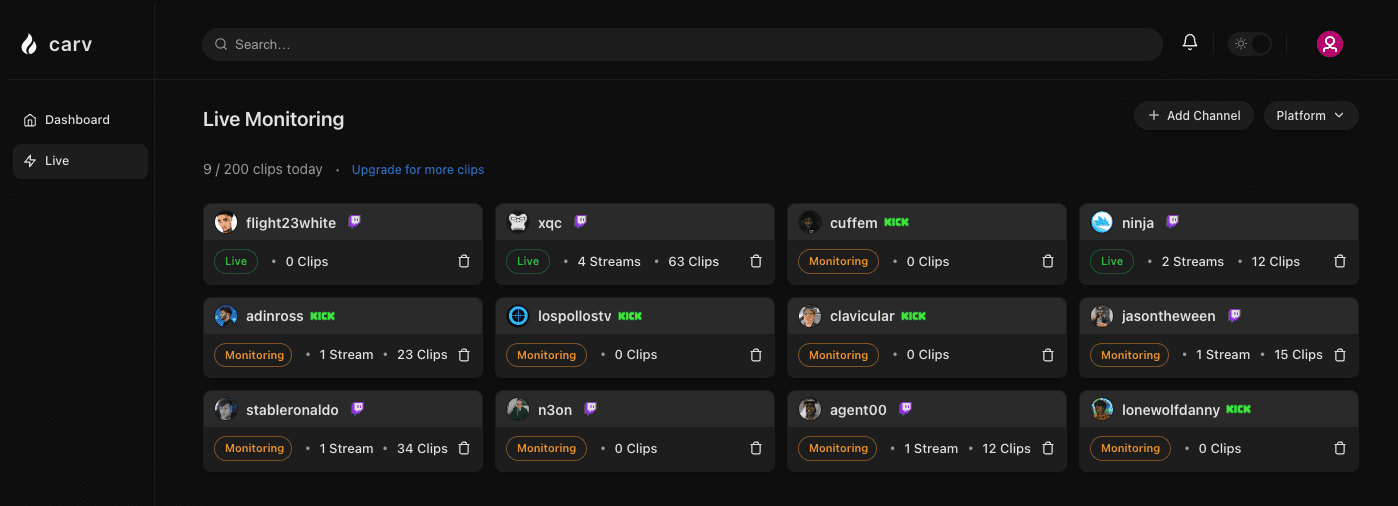
The Only AI-Powered Twitch Clip Editor You’ll Ever Need
Everything automated — always. If you’re a Kick or Twitch clipper, Carv gives you back your time while generating the clips that can take your social media following to the next level.
Stop wasting endless hours watching hours of streaming footage
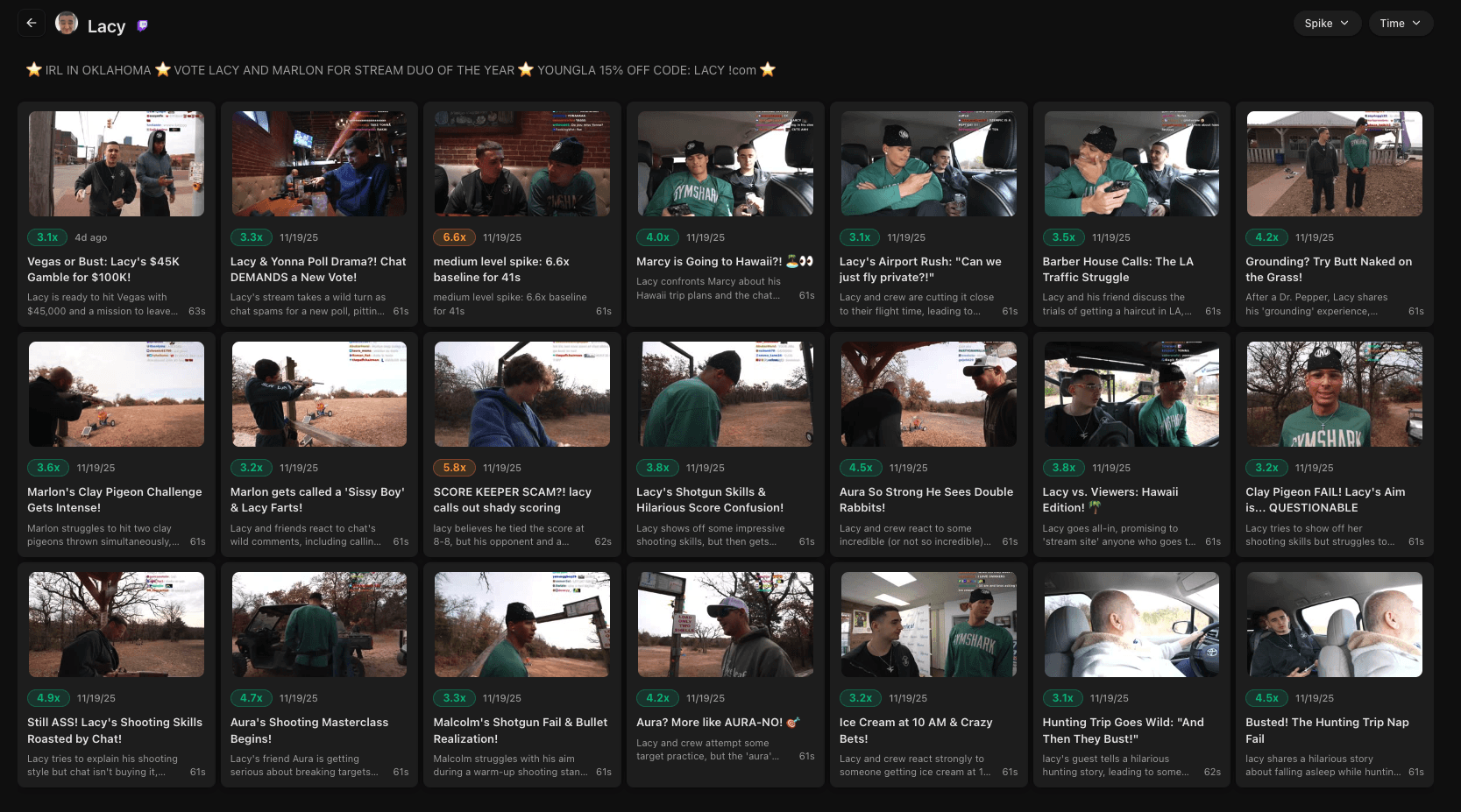
Stop doomscrolling VODs for hours
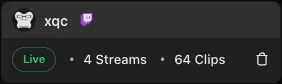
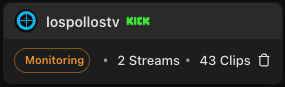
Stop wondering whether stream moments have the potential to go viral

Using advanced AI, Carv watches the footage for you and detects the kind of in-stream events that spike the hype. It then packages the footage into bite-sized clips — ready for distribution across your socials.
The Kick and Twitch Clipper That Does Your Editing for You
Who’s got time to trawl through hours of game streaming footage when there’s online action to be enjoyed? Stop wasting your life looking for viral moments — and let our AI-powered autoclipper do the dirty work.


Clip Everywhere
Record and review channels across leading platforms like Twitch and Kick — all through a single dashboard.

Let AI Tell the Story
Get an AI summary of every clip created, and find out exactly what makes it a viral pot of gold without re-watching hours of footage.

Zero Technical Skills Needed
Sign up, choose your favorite channels, and let Carv work its magic. Everything is automated, so all you have to do is choose which ready-to-go clips have the potential to go viral.

Monitor Unlimited Channels
Track up to 30 channels at once and create unlimited clips without lifting a finger. Carv starts recording as soon as your chosen channels go live!
Grow Your Social Media Empire from a Single Dashboard
Kick and Twitch clipping doesn’t get easier than this. Track your favorite channels, review AI-produced clips, and export those with the most potential to your preferred socials.
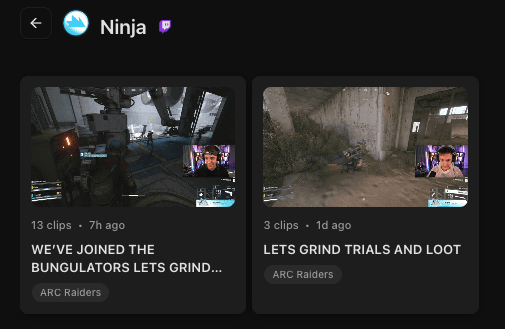
7 Days of Footage on Tap
This powerful Kick and Twitch clip editor stores up to seven days of footage from every streamer you add. Access the clips Carv thinks can go viral at any time.
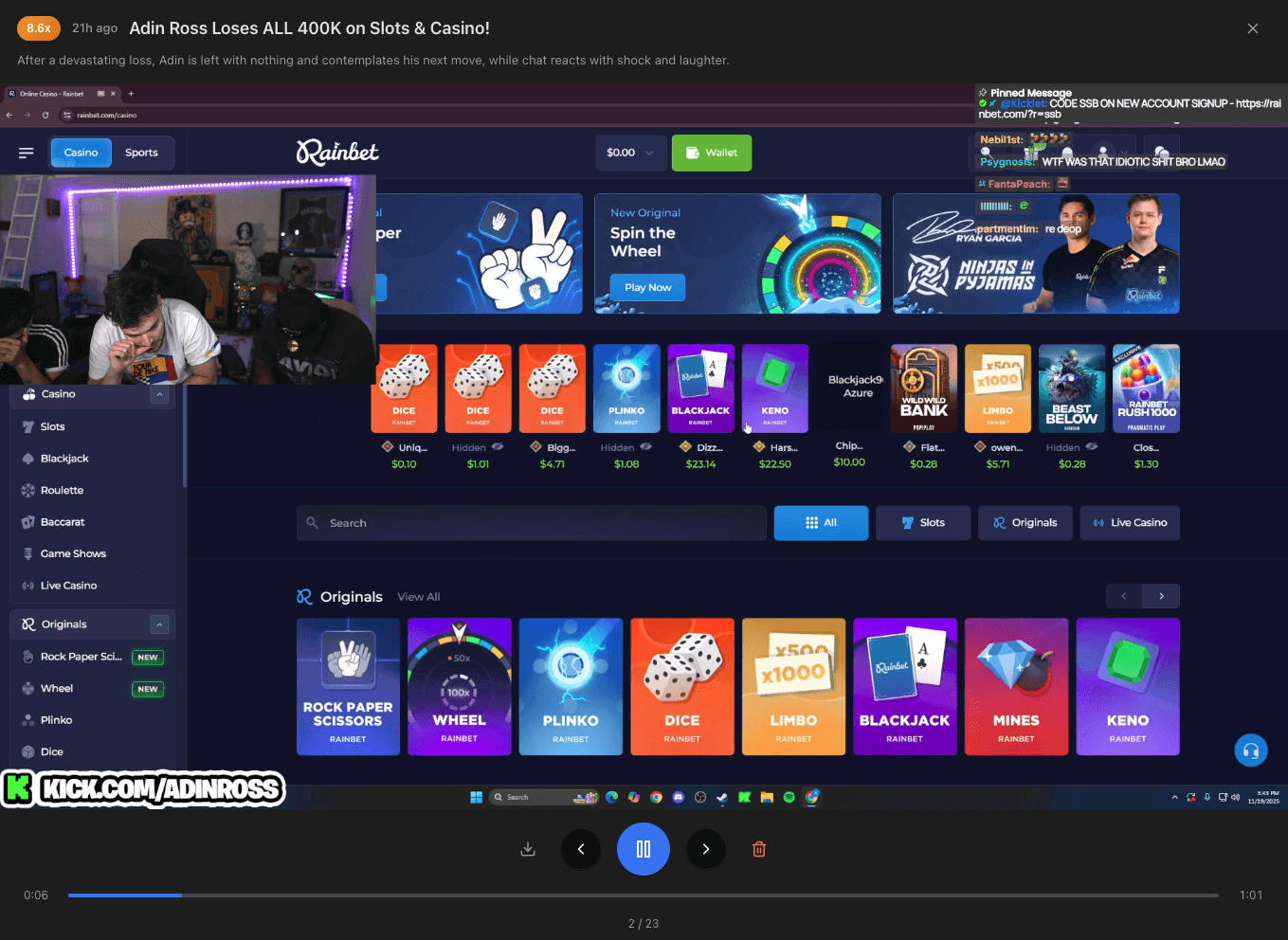
Built-In Media Player
Review up to a week’s worth of footage from your chosen streamers from the Carv dashboard, thanks to its built-in media player. With our streaming autoclipper, you really can build a social media empire from a single dashboard.
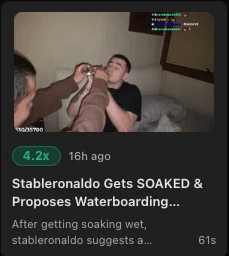
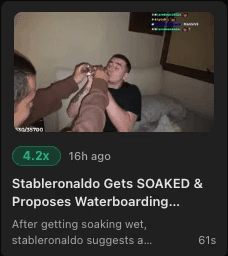
A Massive Footage Library from Day One
Want to jump right in on the viral clip action from day one? Access thousands of ready-to-share clips from our ever-expanding library of streaming footage.
The Twitch Clip Finder Anyone Can Master in Seconds
You don’t need to know anything about video editing to master the basics of using Carv. The whole process is automated 24/7. Our AI-powered Twitch clip searcher even chooses which clips have the potential to break the Internet!
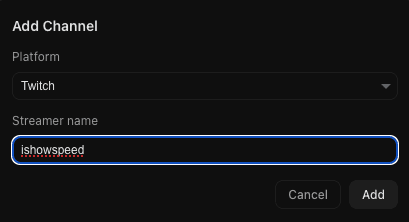
1. Add Your Channels
Enter the Twitch or Kick channels you want Carv to track and record. The footage will be stored for seven days, so you have plenty of time to review it.
2. Let Carv Be Your Eyes
Carv starts watching the moment your streamers start doing their thing. When footage impresses the AI, it’s automatically clipped in 1080p with an AI summary of what’s going on.

3. Get Notified
Let Carve do its thing while you get on with life. When there’s something worth your attention, you’ll be the first to hear about it in the form of a real-time alert.

4. Go Viral
Agree with Carv? If you think your audience needs to see the clip, download, edit, and share it. The entire process takes just a few minutes.

Simple Pricing. Total Control.
Professional Kick clipper? Casual Twitch fan who likes to share golden streaming moments with your followers? There’s a package that’s perfect for your needs.
Starter
$9
5 channels (Twitch only)
25 clips per day
1080p quality for clips
AI-powered insights
Basic Monitoring
Pro
$19
15 channels (Twitch + Kick))
200 clips per day
1080p quality for clips
7 day history
AI-powered insights
Max
$29
30 channels (Twitch + Kick_
Unlimited clips
1080p quality for clips
7 day history
AI-powered insights
Your Questions Answered
Sound too good to be true? Got questions about how Carv works? You may find the answers below. If you can’t, we’d love to hear from you.
Sign Up for This Groundbreaker Twitch Clipper Today
Start tracking your favorite streams in minutes by signing up for a Carv account and accessing an AI-powered Twitch and Kick clip downloader. Want to start sharing clips right away? With access to our giant library of in-stream footage, you can!